Get WPPilot on your WordPress site
Install the plugin directly from your WordPress admin in under a minute. No migration, no API keys, no credit card.
The downloaded file is named wingpilot.zip — that’s our plugin’s slug on WordPress.org.
1. Download the plugin
The WingPilot plugin zip should download automatically. If it doesn’t, click the button below. (wingpilot.zip is the plugin’s WordPress.org repository name.)
Download wingpilot.zip2. Upload in WordPress
In your WordPress admin, go to Plugins → Add New → Upload Plugin.
3. Install & activate
Choose wingpilot.zip, click Install Now, then Activate Plugin.
4. Open WPPilot
Look for the WPPilot menu in your WordPress sidebar and click Connect to WPPilot.
5. You’re in
WPPilot understands your site and starts helping immediately.
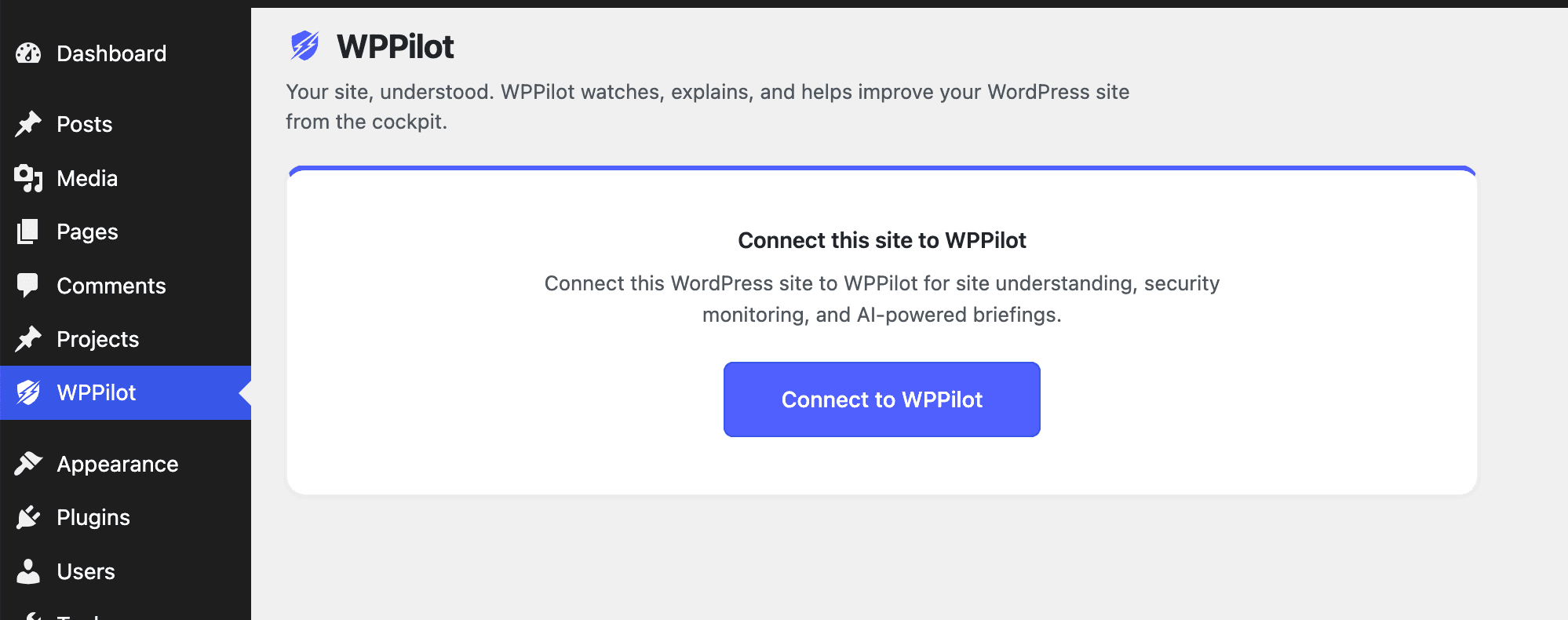
After activation, find WPPilot in your WordPress sidebar and click Connect to WPPilot.